
When something goes wrong—a ransomware note, locked files, a compromised account, a lost laptop, or a confirmed phishing click—the first hour largely determines how painful the rest of the incident will be.
Large companies have dedicated responders and detailed playbooks. Most small businesses have whoever is available and a growing sense of urgency. This checklist is written for that reality. It focuses on containment, clear decision-making, and basic documentation.
Treat it as a working sequence. The exact order can shift slightly depending on the situation, but the priorities stay the same.
Minutes 0–5: Recognize and Align
Confirm the basic facts
What was observed? When? On which device or account? Who noticed it first?Notify the right internal people right away
Usually the owner, operations lead, or the person who handles IT decisions. Keep the initial group small.Name one coordinator
Even if only two people are responding, one person should track what has been done so steps are not missed or repeated.
Minutes 5–20: Contain

Limit further damage
Device: Disconnect from the network (turn off Wi-Fi or unplug the cable). If ransomware is visible or files are actively encrypting, note what is on screen and then shut the device down.
Account: Change the password from a different, trusted device and sign out other sessions.
Lost or stolen device: Trigger remote lock or wipe if that option exists.
Preserve basic evidence
Photograph ransomware messages, error screens, or suspicious emails. Do not start deleting files or wiping systems yet.Block additional access if credentials may be compromised
Disable or reset the affected account for email, Microsoft 365 / Google Workspace, banking, and other high-value systems.
Minutes 20–40: Assess Scope
Determine what is affected
One device or several? One account or multiple? Is data encrypted, missing, or just inaccessible? Are backups reachable?Check critical accounts for unauthorized changes
Look for new email forwarding rules, unknown MFA methods, unfamiliar admin users, or recent permission changes.Identify whether customer or financial data is involved
This affects whether payment processors, banks, or customers may need timely notification.
Minutes 40–60: Stabilize and Decide
Protect the backups
Make sure online backups are not still connected to compromised systems if ransomware is involved. Confirm you can still reach recent copies.Make the immediate business-continuity call
Can work continue on unaffected devices? Do certain systems need to stay offline? Decide explicitly.Write down what is known so far
Create a short chronological note: discovery time, affected systems, actions taken, credentials reset, and current status. This record helps with insurance, later review, or external help.Decide whether external help is needed
For ransomware, confirmed data theft, or situations beyond the team’s comfort level, contact a trusted IT provider, incident response resource, or cyber insurance carrier before taking irreversible steps.Prepare a limited internal update
Once containment is underway, decide what the rest of the team needs to know and what they should (or should not) do. Keep the message short and factual.
What Not to Do in the First Hour
Do not pay any ransom or follow attacker instructions without deliberate discussion.
Do not wipe devices before capturing basic information.
Do not reset passwords from a machine that may still be compromised.
Do not issue detailed customer or public statements before the scope is clearer.
Do not assume the problem is over just because symptoms have stopped.
After the First Hour
Immediate pressure eases. Typical next steps include deeper investigation if needed, broader password and MFA reviews, clean device rebuilds, any required external notifications, and a short internal review of the operational gaps that contributed to the incident.
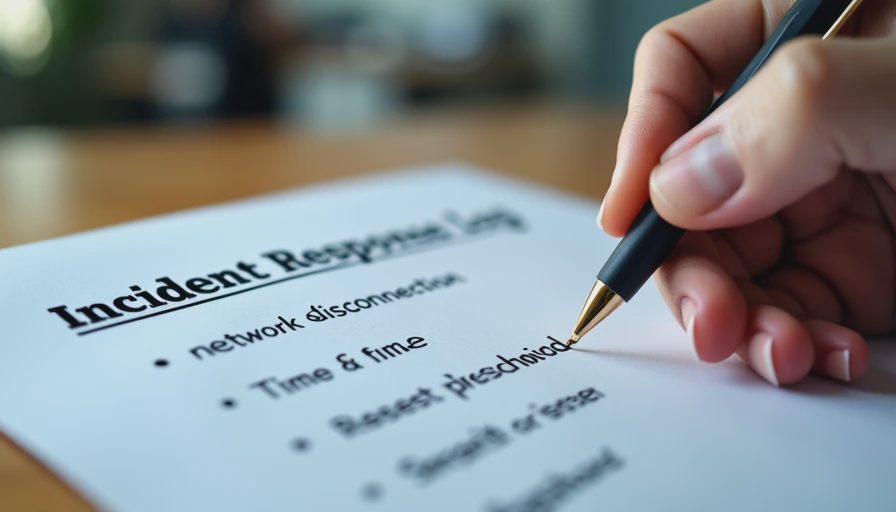
Keeping the Checklist Useful
Store it where the likely responders can find it quickly.
Keep it to one or two pages.
Review it after any real incident or once or twice a year.
Pair it with the specific playbooks for phishing clicks, lost devices, and former-employee access.
Most small-business incidents become serious less because the attack was highly sophisticated and more because the first response was slow or uncoordinated. A simple, practiced checklist will not prevent every incident. It will keep most of them manageable.
Secure enough includes knowing what to do before the pressure hits.



No feedback yet — submit the first.