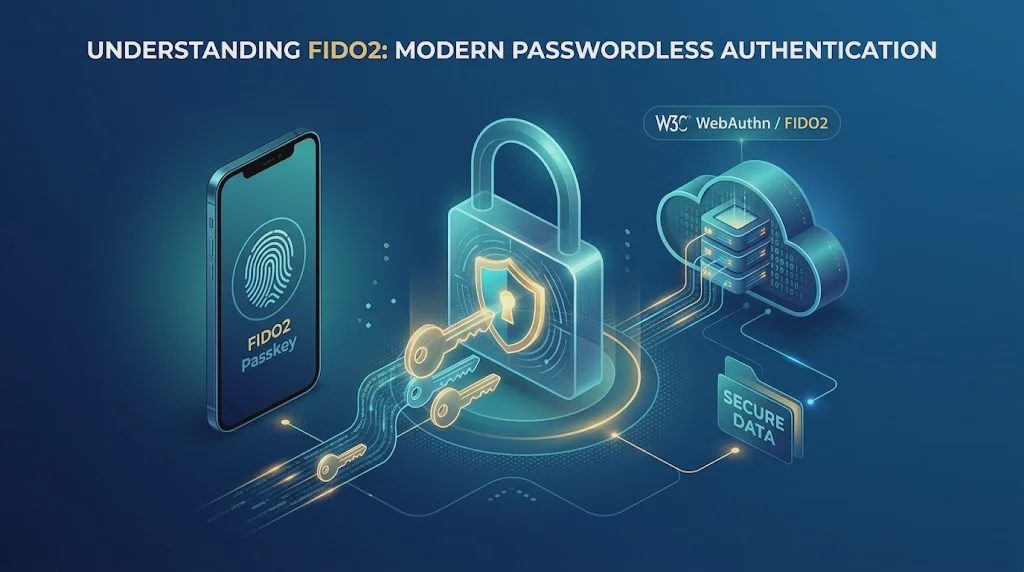
Passwords are still one of the most common ways to protect online accounts, but they have a persistent weakness: people can be tricked into giving them away. Phishing emails, fake login pages, password reuse, and credential theft can all undermine password-based security.
FIDO2 authentication offers another approach. It uses public-key cryptography to help websites and applications verify users without relying on a traditional password as the primary authentication method. Depending on the implementation, FIDO2 can support passwordless sign-in, an additional authentication factor, or multifactor authentication.
But what is FIDO2, how does it work, and when should an organization consider using it? Understanding the technology, its components, and its limitations makes it easier to evaluate whether it fits your security requirements.
What Is FIDO2?
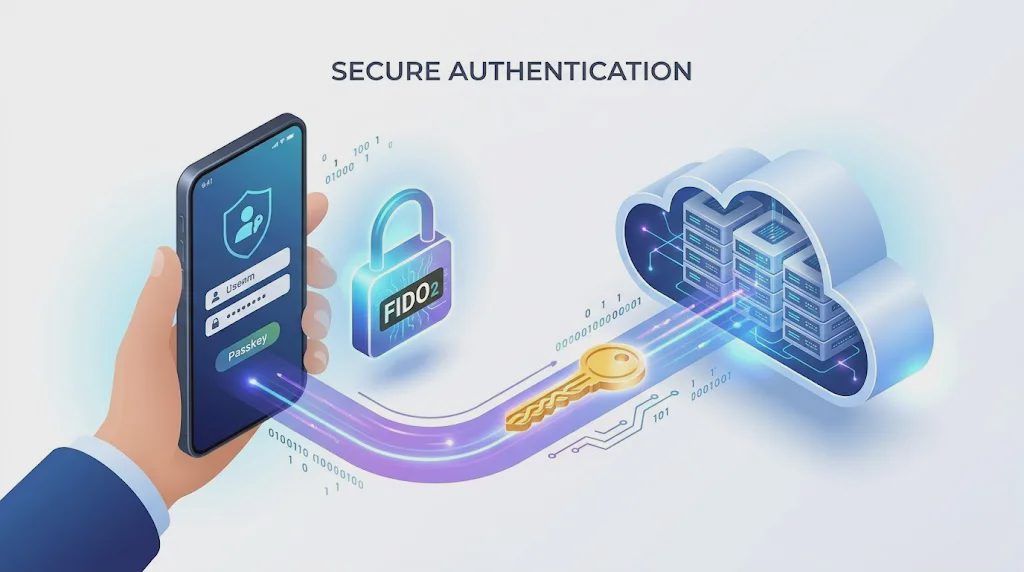
FIDO2 is an open authentication standard designed to enable secure, phishing-resistant sign-in experiences. The name refers to a combination of two technologies: Web Authentication (WebAuthn), a web authentication standard developed by the W3C, and the Client to Authenticator Protocol (CTAP), developed by the FIDO Alliance.
Together, these technologies allow a website or application to communicate with an authenticator, such as a built-in biometric sensor, a compatible phone, or a hardware security key.
Unlike conventional password authentication, FIDO2 uses public-key cryptography. During registration, the authenticator creates a credential associated with a specific online service. The service stores the public key, while the corresponding private key remains protected by the authenticator.
When the user signs in, the service sends a challenge that the authenticator must answer using the private key. The service verifies the response using the registered public key.
Because the private key is not submitted to the website during login, a phishing page cannot simply collect it in the same way it can collect a password.
For the official technical overview, see the FIDO Alliance's user authentication specifications.
How Does FIDO2 Authentication Work?
FIDO2 authentication generally involves two stages: registering an authenticator and using it to sign in. The exact user experience depends on the website, browser, device, and authentication method.
1. Register an Authenticator
First, the user visits a website or application that supports FIDO2 and chooses to register a passkey or another supported authenticator.
The authenticator creates a public-private key pair for that service. The private key remains protected by the authenticator, while the public key and associated credential information are registered with the service.
Depending on the authenticator, the user may verify their presence or identity with a fingerprint, facial recognition, a device PIN, or a physical interaction with a security key.
Biometric information is generally processed locally by the device when used for FIDO authentication. The website receives the authentication result rather than the user's raw fingerprint or facial data.
2. Start a Sign-In Request
When the user returns to the website, the service generates a challenge and requests an authentication response.
The browser or operating system identifies an eligible authenticator. This could be a passkey stored on the current device or a compatible external security key.
The available options depend on the account's registered credentials and the platform's capabilities.
3. Verify the User Locally
The authenticator may ask the user to confirm the sign-in using a fingerprint, facial recognition, a PIN, or another supported method.
This local verification helps protect access to the credential. A biometric check does not mean that the website receives the biometric data itself.
Not every FIDO2 sign-in requires a biometric. The authentication requirements depend on the authenticator and the service's configuration.
4. Sign the Challenge
After the required interaction, the authenticator uses the private key to produce a cryptographic response to the service's challenge.
The private key is not sent to the website. Instead, the service receives the response and verifies it against the public key registered during enrollment.
5. Complete Authentication
If the response is valid and the other authentication requirements are satisfied, the service can establish the user's authenticated session.
The main security advantage is that authentication is tied to the legitimate service's cryptographic identity. A fake website on a different domain cannot normally obtain a valid response for the legitimate service simply by imitating its login page.
This is why FIDO2 is considered a phishing-resistant authentication approach when correctly implemented.
What Are WebAuthn and CTAP?
WebAuthn and CTAP work together, but they serve different purposes.
WebAuthn: The Web Authentication Interface
WebAuthn defines the browser-facing API that websites use to create and verify public-key credentials.
For example, a website can use WebAuthn to request credential registration or authentication. The browser and operating system then coordinate with an available authenticator.
WebAuthn also helps scope credentials to the relying party, which is the website or service requesting authentication.
CTAP: Communication With an Authenticator
CTAP defines how a client platform communicates with compatible external authenticators.
This can include a hardware security key or a supported mobile device acting as an authenticator. Depending on the device and implementation, communication may use USB, NFC, or Bluetooth Low Energy.
In practical terms, WebAuthn provides the web-facing interface, while CTAP supports communication between the platform and an external authenticator.
The distinction matters when evaluating browser support, device compatibility, or an organization's authentication implementation.
FIDO2 vs. Traditional Password Authentication
FIDO2 changes how a service verifies a user. Traditional password authentication relies on a secret that the user knows and submits to the service. FIDO2 instead uses a cryptographic credential tied to the service.
The main differences include:
Feature | Traditional Passwords | FIDO2 Authentication |
|---|---|---|
Authentication method | User submits a password | Authenticator provides a cryptographic response |
Phishing exposure | Passwords can be entered on fake login pages | Credentials are scoped to the legitimate service |
Password reuse | Users may reuse passwords across accounts | Credentials are created for individual services |
User interaction | Enter a password, sometimes with MFA | Use a passkey, security key, or another supported authenticator |
Recovery | Password reset or account recovery | Depends on credential availability and the service's recovery process |
FIDO2 can reduce the risk of credential theft through phishing, but it does not eliminate every account-security risk. Malware, compromised devices, weak account recovery procedures, session theft, and poor administrative controls can still create security problems.
Organizations should therefore evaluate FIDO2 as part of a broader authentication strategy rather than as a complete replacement for every security control.
FIDO2, Passkeys, and Security Keys: What's the Difference?
These terms are related, but they are not interchangeable.
FIDO2 refers to the authentication technology framework built around WebAuthn and CTAP.
Passkeys are user-facing credentials based on FIDO standards. They use public-key cryptography and can be stored on a device or managed through a supported credential ecosystem. Depending on the implementation, passkeys may synchronize across devices or remain bound to a particular device.
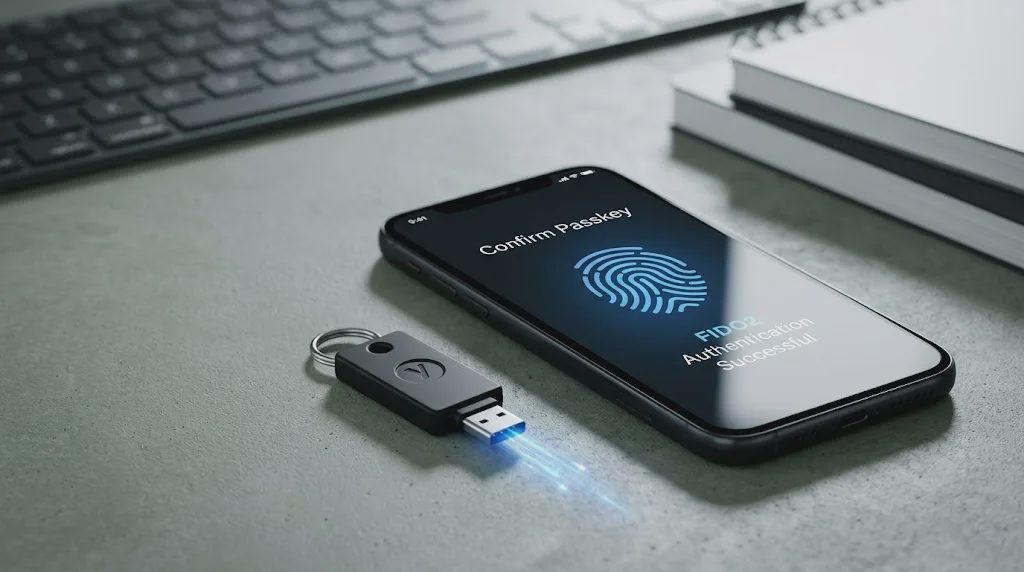
Security keys are physical devices that can act as external authenticators. A compatible FIDO security key may connect through USB, NFC, or another supported interface.
A security key can be useful for people who want a separate physical authenticator, organizations that need a controlled authentication method, or users who prefer not to depend exclusively on credentials stored on a personal device.
A passkey stored on a device and a physical security key may offer different portability, recovery, and management options. Neither should be selected without checking whether the target website or application supports the intended credential type.
What Are the Main Benefits of FIDO2?
Better Resistance to Phishing
FIDO2 credentials are scoped to the legitimate service. This helps prevent a fake website from using a captured password or replayed login information to impersonate the user at the real service.
This protection depends on the authentication protocol being correctly implemented and the user using a supported authenticator.
Reduced Dependence on Passwords
Passwordless FIDO2 sign-in can reduce the need to create, remember, reset, and manage passwords. It can also reduce exposure to password reuse and password database breaches.
Services may still retain passwords or other authentication methods, so the actual benefit depends on how the deployment is configured.
Support for Different Authentication Scenarios
FIDO2 can support passwordless authentication, an additional factor after a password, or multifactor experiences involving a compatible authenticator and local user verification.
This flexibility allows organizations to introduce FIDO2 gradually or use it for higher-risk accounts first.
Improved User Experience
A supported passkey or security key can make sign-in simpler than typing a complex password and completing a separate verification step. The experience varies by platform and account configuration, however, and users may need alternative methods when their authenticator is unavailable.
What Are the Limitations of FIDO2?
FIDO2 is not automatically the right solution for every account or organization.
Compatibility must be checked. Websites, browsers, operating systems, and authenticators do not necessarily support every feature or credential type. Test the intended sign-in and recovery flows before deployment.
Account recovery still matters. Users can lose devices or security keys. Organizations need a secure process for registering replacement authenticators, recovering accounts, and removing lost credentials.
Deployment requires planning. Administrators may need policies for enrollment, employee offboarding, shared devices, privileged accounts, and support requests. Poorly managed enrollment or recovery can weaken the overall security model.
Other threats remain. FIDO2 does not automatically protect an infected endpoint, prevent every session hijacking attack, or compensate for excessive account permissions. Device security, access control, monitoring, and incident response remain important.
Is FIDO2 Right for Your Organization?
FIDO2 is worth evaluating when phishing resistance, passwordless access, or stronger authentication for employees and administrators is a priority.
Before adopting it, answer these questions:
Do your critical websites and applications support the intended FIDO2 credential types?
Which employees, administrators, or accounts should enroll first?
Will users rely on platform passkeys, physical security keys, or a combination?
How will lost devices, replacement credentials, and account recovery be handled?
Can your IT team enforce enrollment policies and remove credentials when access is revoked?
A small pilot can help reveal compatibility issues and support needs before a wider rollout. Start with a limited group, document enrollment and recovery procedures, and test what happens when a device is lost or replaced.
The goal is not simply to enable a new sign-in method. It is to improve authentication security without creating avoidable access problems for users or administrators.
Final Takeaway
FIDO2 is an open authentication framework that combines WebAuthn and CTAP to enable public-key-based sign-in. It can support passwordless authentication, second-factor authentication, and multifactor experiences, depending on the implementation.
Its strongest advantage is resistance to common phishing techniques: the authenticator creates a cryptographic response tied to the legitimate service instead of sending a reusable password.
However, successful deployment still depends on compatibility, account recovery, device management, and the security controls surrounding authentication.
For individuals, FIDO2 can make supported accounts easier and safer to access. For organizations, it offers a practical way to reduce dependence on passwords and strengthen sign-in security when introduced with a clear deployment and recovery plan.





No feedback yet — submit the first.